

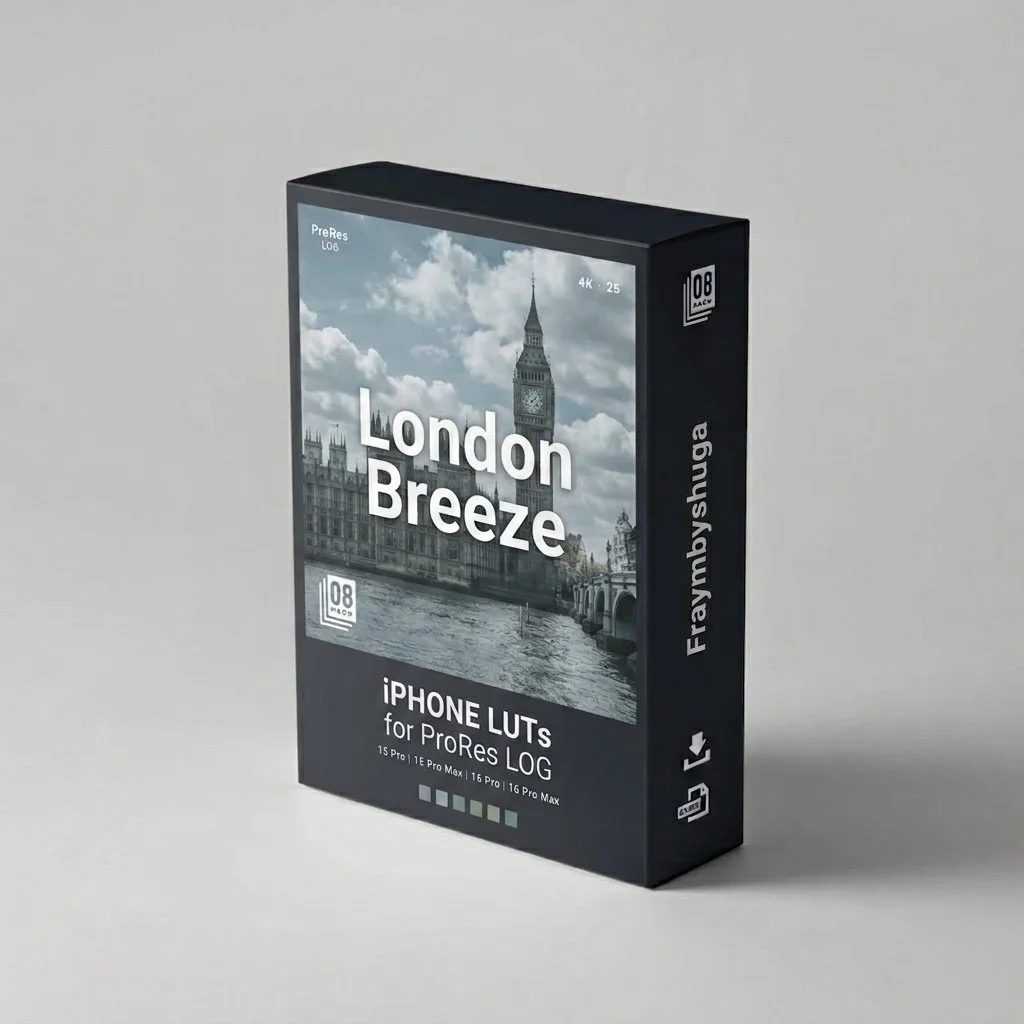
 Image 1 of 1
Better Color. Better Stories.
A LOOK THAT HOLDS UP IN EVERY SHOT.





WHY THIS LUT STANDS OUT
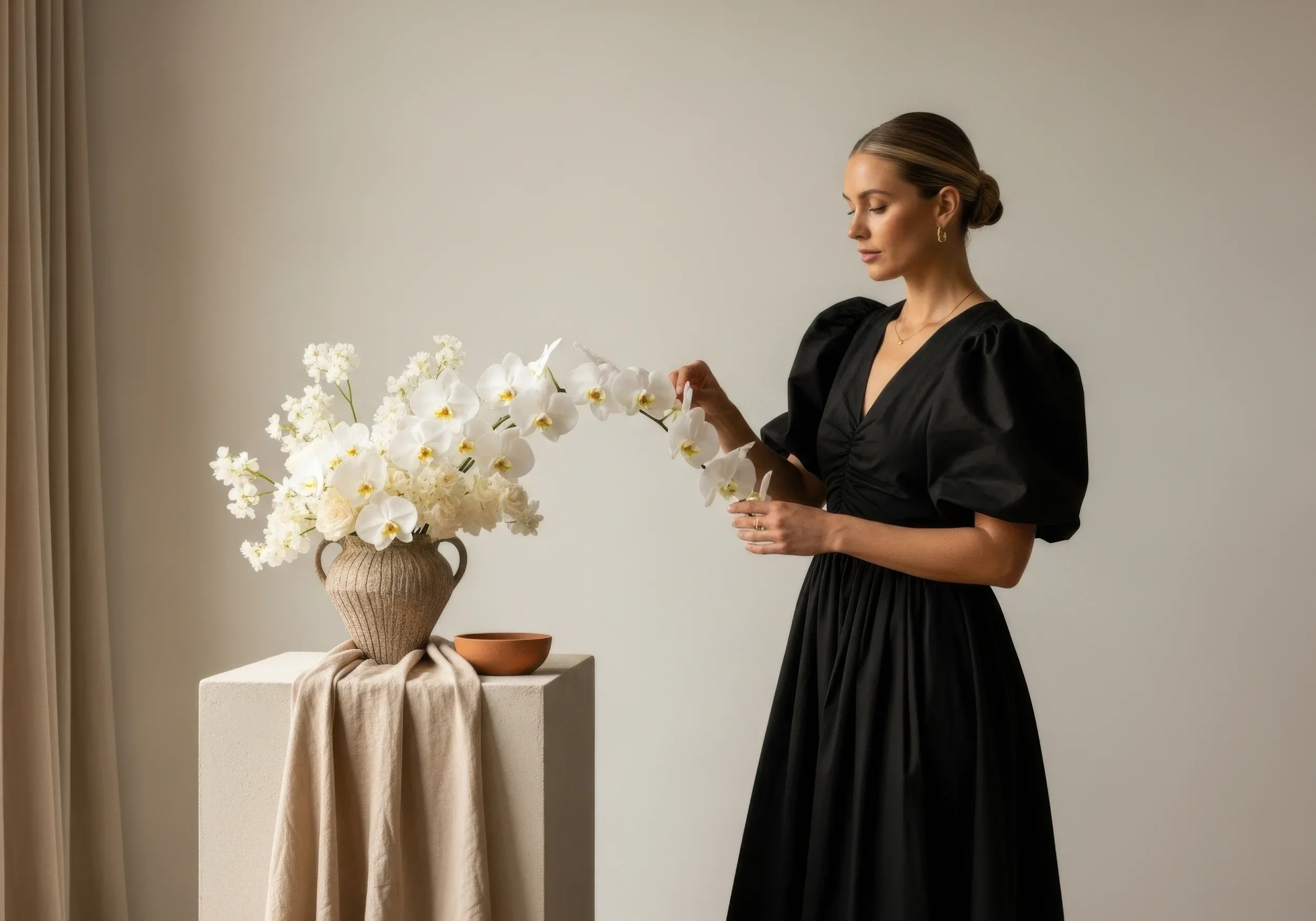
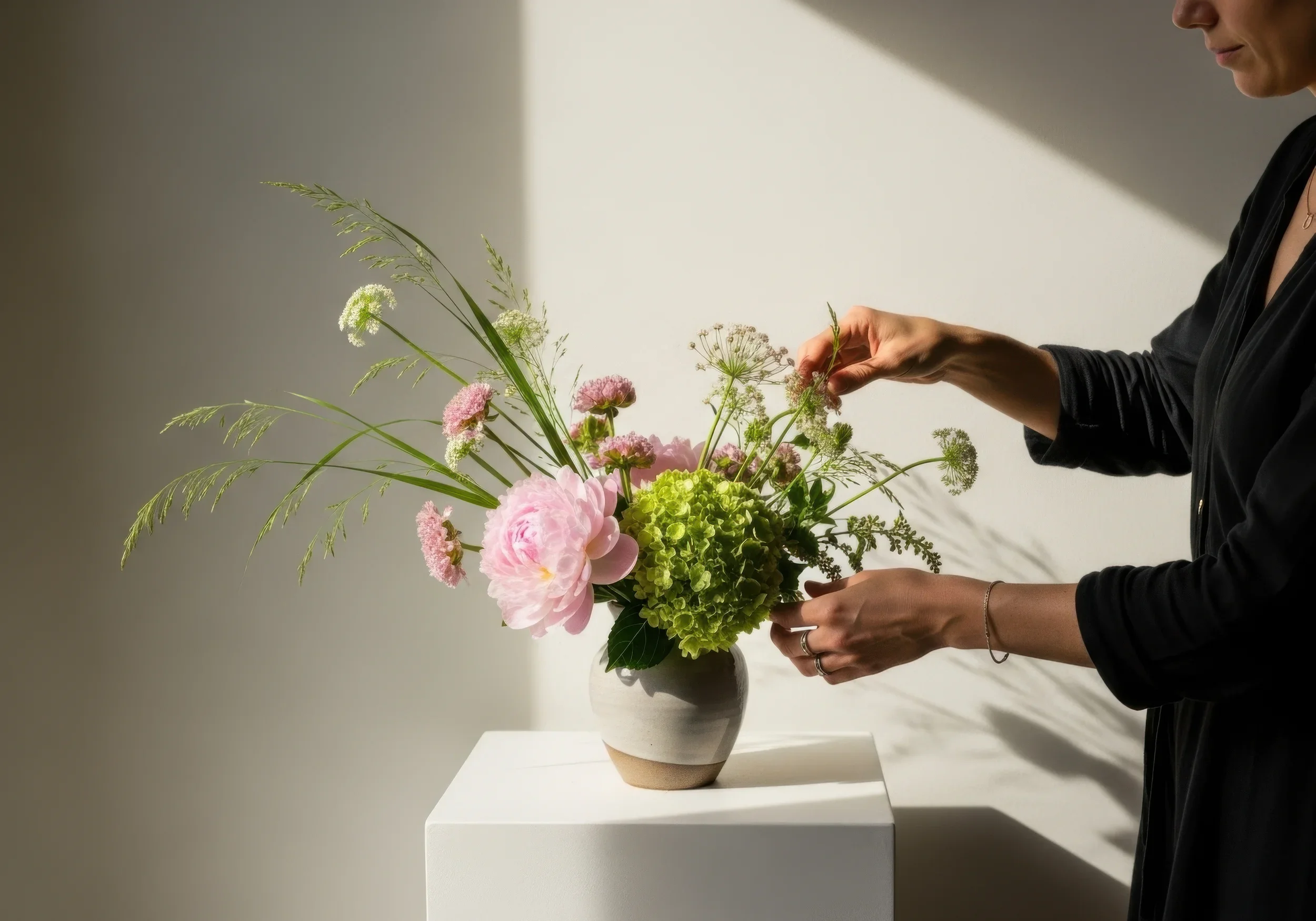
Crafted specifically for the Blackmagic Camera app on iPhone, this LUT delivers a clean, cinematic look with natural colors and balanced contrast across a wide range of lighting conditions. Whether you’re shooting outdoors, indoors, at sunrise, sunset, or at night, simply apply the LUT and achieve a polished, film-inspired look.
What’s Included?
Blackmagic Camera App LUT (3 Variations)
Step-by-Step Installation Guide
FAQs
What camera settings should I use?
1
For the best results, shoot in Apple Log using the Blackmagic Camera app. Make sure your footage is properly exposed, your white balance is set manually, and import the LUT using the included installation guide.
Will this LUT fix bad footage?
2
No. These LUTs are designed to enhance good footage, not repair poorly exposed or out-of-focus video. Getting your exposure, focus, and white balance right in camera will give you the best results..
Do I record with the LUT applied?
3
We recommend using Display LUT only. This lets you preview the cinematic look while recording clean Apple Log footage, giving you the most flexibility when editing. Only use Record LUT to Clip if you want the look permanently baked into your footage.
What apps can I use these LUTs in?
4
These 3D LUTs work with any app or editor that supports .cube LUT files, including Blackmagic Camera, DaVinci Resolve, Final Cut Pro, Adobe Premiere Pro, CapCut, and other compatible editing software.